TikTok Shop affiliate vs Amazon Associates: why we use both
TikTok Shop affiliate and Amazon Associates pay on different sales in different places. Why a TikTok Shop creator can use both on the same videos.
TikTok Shop affiliate vs Amazon Associates isn't really an either-or. TikTok Shop affiliate pays you on sales made inside TikTok, and Amazon Associates pays you on Amazon purchases made through your tagged link, wherever that link is. So the same video can earn from TikTok Shop on TikTok and from Amazon everywhere else you post it.
That's why we built EverySqueeze around using both. Here's how the two programs differ, where each link works, and what it takes to run them side by side.
Two programs, two places
TikTok Shop affiliate lives inside TikTok. You add a TikTok Shop product to your video, someone buys it in TikTok, and you earn the commission the seller set for that product. The product link is part of TikTok. It doesn't travel when you post the same video to Facebook or YouTube.
Amazon Associates is Amazon's affiliate program. You get a tracking ID that looks like yourname-20, every Amazon link you share carries it, and Amazon pays a commission on qualifying purchases made through those links. The link is just a web address, so it works anywhere a link is allowed.
Put plainly: TikTok Shop pays on the TikTok side of your audience, Amazon can pay on the rest. A video that already earns on TikTok can also carry an Amazon link where TikTok Shop can't reach.
Which pays more?
We won't pretend to know for your products. TikTok Shop commissions are set per product by sellers; Amazon's depend on the product category, and Amazon publishes its own rates. A product can pay well on one and barely at all on the other. Look up both for the products you film most, and check each program's own terms for anything that affects you.
What we can say is that they don't compete for the same sale. Someone who watches your Reel on Facebook is unlikely to go and buy it in TikTok Shop. If they buy at all, it's somewhere they can tap a link, and that's usually Amazon.
Where each link can go
The TikTok Shop link: on TikTok.
The Amazon link, platform by platform:
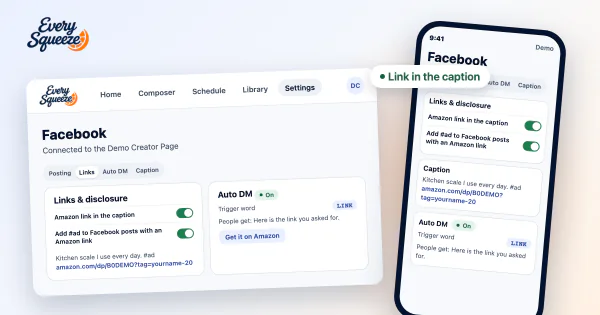
- Facebook: the caption, the first comment, and a DM to people who comment a word like LINK. See How to put an Amazon affiliate link on a Facebook Reel.
- Instagram: not the caption (caption links aren't clickable there). A DM to people who comment works, and you can add the product yourself with Instagram's Add products. See Can you put an Amazon link on an Instagram Reel?.
- YouTube: the description, with Amazon's disclosure line. Links in a Short's description aren't clickable, so on Shorts it matters less than on longer videos.
- Pinterest: the pin's own link.
What you need on the Amazon side
An Amazon Associates account and its tracking ID. That's the one your links need. Amazon also has an Influencer Program, which is your Amazon storefront; its ID starts with onamz and doesn't earn on links you share off Amazon. Which Amazon account do I need? sorts out the difference.
Two rules come with Associates. Every profile that carries your links has to be listed in your Associates account, under Websites and Mobile Apps, so add each platform you post to (see Associates and your websites). And you disclose on every post with an affiliate link.
The work that makes "use both" hard
Running both programs on the same videos comes down to one chore: for every TikTok Shop video, finding the same product on Amazon and building a tagged link to it. Then putting that link in the right place on each platform, every time you post.
By hand that's a search, a comparison and a copy-paste per video. It's also where mistakes happen: a look-alike listing, a link without your tracking ID, yesterday's link on today's video. We wrote up the by-hand check in Which TikTok Shop products are also on Amazon.
How EverySqueeze connects the two
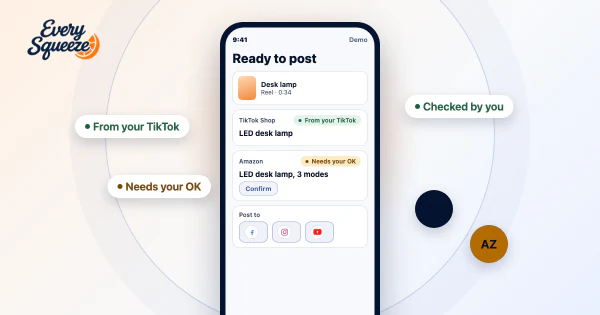
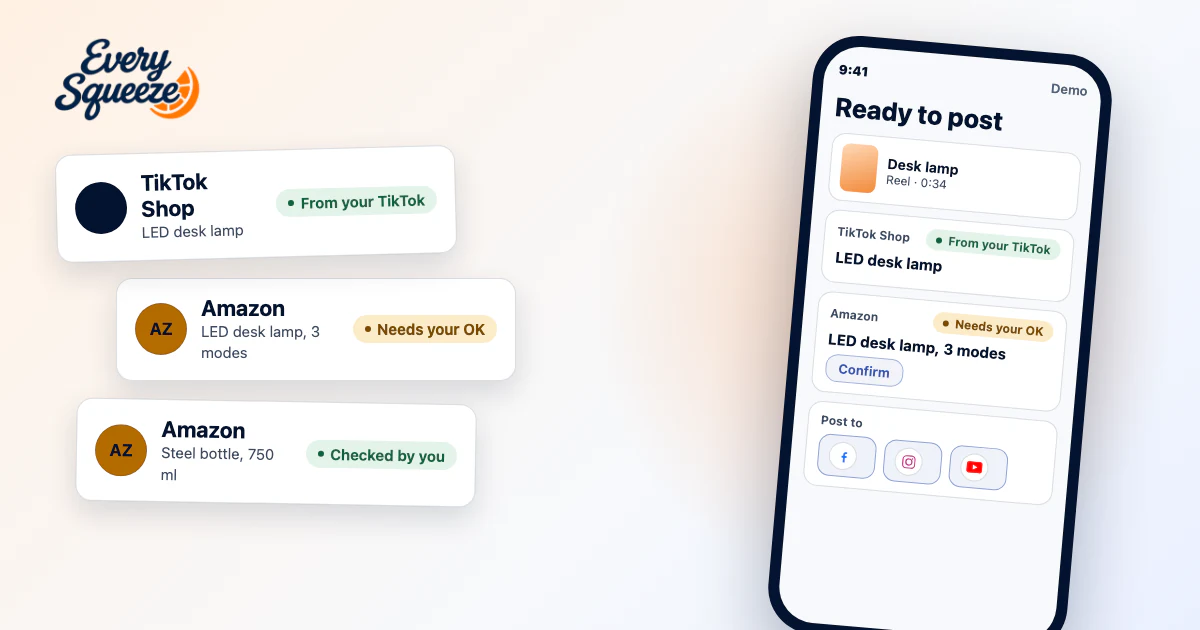
When you connect your TikTok Shop account, we import your video library and your TikTok Shop commission history in one pass, so you can see which videos already sell. Then we match each video to the Amazon product it shows, and stamp your tracking ID on every link we build. You can set a separate ID per platform if you want Amazon's reports to show which platform earned. See Amazon tracking ID.
When we're not sure of a match, we ask you, and you decide whether automatic posts wait for your answer or use our best match. When a product isn't on Amazon, you can mark it so, or give that video your own link (a brand's site, ShopMy, LTK, Walmart) and it goes out in place of the Amazon one.
For a one-off link outside of posting, Settings, Amazon has a link builder: paste an ASIN or an amazon.com product link, pick a platform, and it hands back a tagged link. See Build a product link.
And if you use Amazon's Creator Connections, our Chrome extension finds the products you sell on Amazon and accepts their Creator Connections campaigns every day, inside your own signed-in Amazon tab.
One thing to be clear on: EverySqueeze doesn't post anything to your Amazon storefront. Amazon is the product match, the tracking ID and Creator Connections. The videos go to Facebook, Instagram, YouTube and Pinterest.
So, one or both?
Both, if the products you film are sold on Amazon. TikTok Shop already pays you on TikTok, and an Amazon link on the reposts is how the same video can earn somewhere else. If most of what you film isn't on Amazon, the reposts can still carry a link of your own. For the full walkthrough, start with TikTok Shop to Amazon.